
BoomSidebar | Chrome Extension
Less switching. More leasing.
Boom Sidebar brings your Boom data directly into your existing workflows—so your team can review, decide, and move faster without juggling systems.
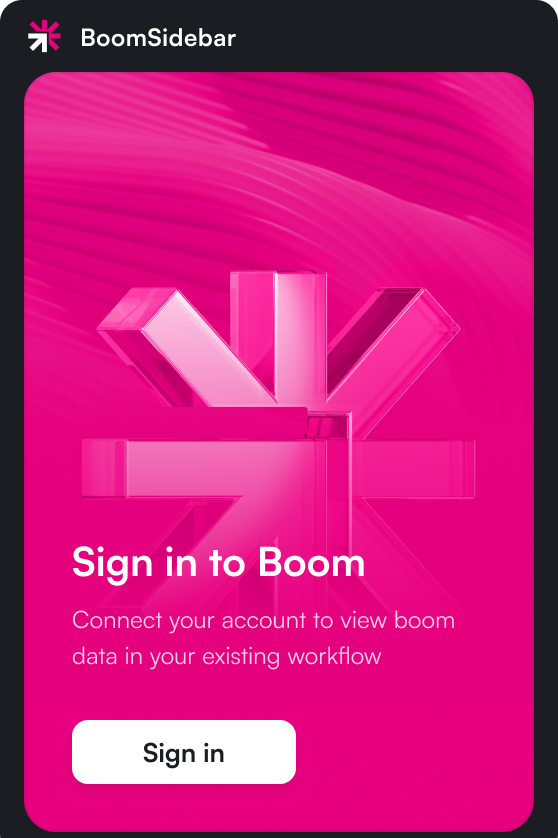
Boom Sidebar brings your Boom data directly into your existing workflows—so your team can review, decide, and move faster without juggling systems.









Your team lives in multiple systems. Asking them to open a separate portal every time they need to check a screening result adds friction—and friction turns into churn. BoomSidebar removes the context switch entirely.
When you open a prospect or applicant record in your system, the sidebar automatically surfaces their Boom data right alongside it. No new tab. No copy-pasting. No hunting for the right application.
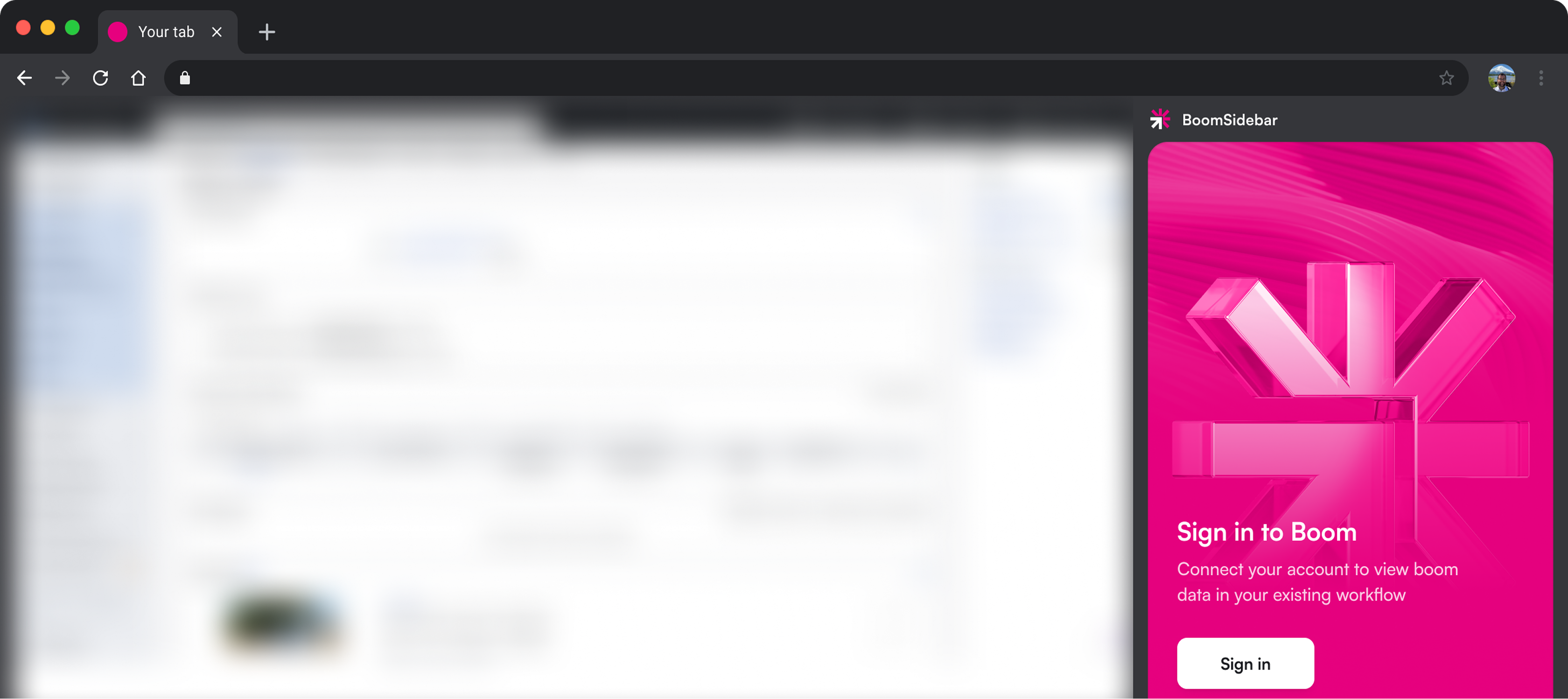
Everything you need to move an application forward—without leaving the page you're already on.

BoomSidebar detects who you're viewing and automatically pulls up their Boom application—no search required.
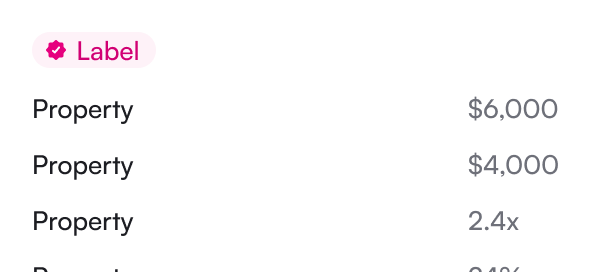
View application details and screening outcomes directly in the sidebar—income, identity, background, and more.
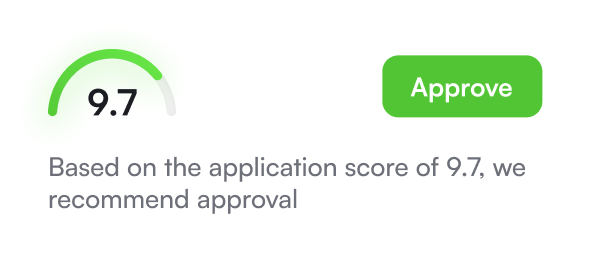
Approve, deny, or move an applicant forward without opening a separate tab or logging into the Boom portal.

No Boom application on file? Send an invite directly from the sidebar so applicants can get screened right away.

Fill in or update application fields without switching windows—keep your records accurate as you work.
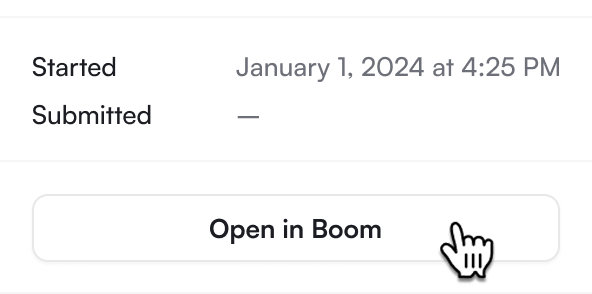
Need the full picture? Link out to the complete Boom application overview with one click.

Click "Add to Chrome" and confirm the install prompt. The extension will appear in your toolbar.

Click the BoomSidebar icon and log in with your existing Boom credentials. No new account needed.

Navigate to any prospect or applicant record. BoomSidebar will automatically detect the page and load their screening data.

The sidebar opens alongside your existing workflow. No training, no new tabs, no extra steps.
Boom Sidebar is free for all Boom customers.