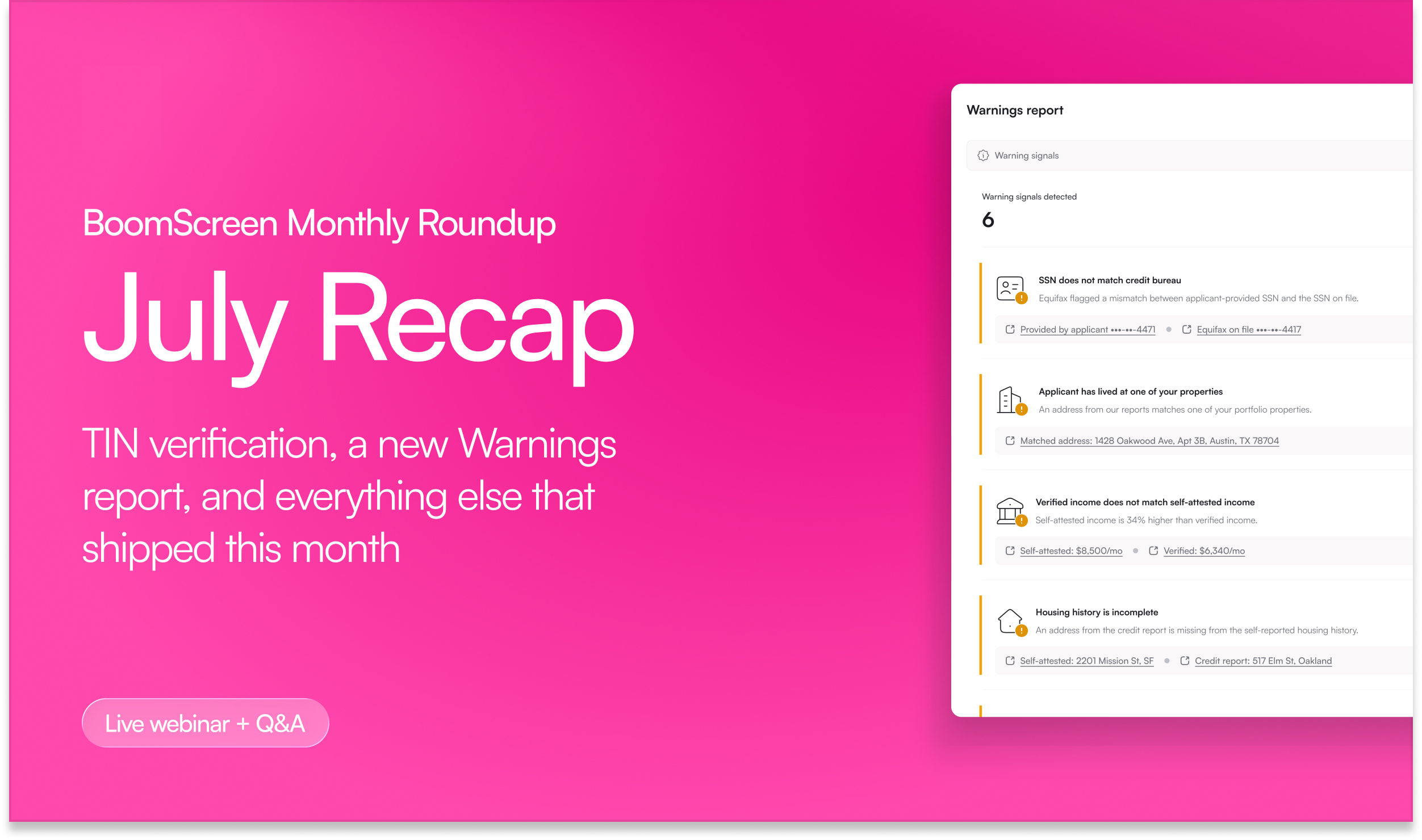
This week we hosted our November BoomScreen Monthly Roundup. Aviv Florenthal, Senior Product Manager for BoomScreen, and Brooke Jackson, Strategy & Implementation Lead, walked through everything new in BoomScreen this month.
Couldn't make it? Here's the quick version!
Spotlight features
Custom stages match how your team works
Every team tracks applications a little differently. Some need a manager to sign off before anything moves, and some wait on documents before a decision. Custom stages let you build that into BoomScreen on top of the standard statuses.
Create your own stages, like "Needs manager approval" or "Waiting on documents", and give each one a color. Set an application's stage right from the Applications table, and each stage gets its own tab, so your team can see what's waiting on them at a glance. Applications stay in the Submitted tab too, so nothing drops out of the view you already use.
Stages can also clear on their own. Pick the statuses that end a stage, like Approved or Approved conditionally, and the stage comes off as soon as the application moves there. Account admins set them up under Settings → Application → Stages.
Applicants get through the application faster
Every extra screen is a chance for an applicant to drop off. This month brought four changes that take steps out of the application, so more complete applications land in your queue.
New applicants now go straight from creating an account to starting their application, with one less screen in between. If they leave partway through, they come back to the exact screen they left rather than the application list. Both work automatically, with no setup required.
Households move faster too. Once one co-applicant enters dependents, pets, or vehicles, everyone else in the group sees them already filled in, and anyone can still add what's missing.
You also decide who can invite whom. Each screening template sets which roles can be invited and which roles they can invite, and when a role can't invite anyone, that applicant never sees the invite step. Existing templates keep working the way they do today until you change them in Screening settings.
See where every applicant is
Unsubmitted applications now show each applicant's progress, step by step, right on the Applications table. When an application has been sitting for a few days, you can tell at a glance who's almost done and who hasn't started, and follow up with the right person instead of the whole household. No setup required.
Also shipped this month
- Housing and income questions where they belong. Custom questions, document requests included, can sit on the housing history and income history verifications, with answers inside those reports.
- Net income to rent criteria. Recommend approval or decline based on what an applicant actually takes home.
- Build your own survey on Lite rental history. Pick or build the survey landlords receive, and send it every time, manually, or conditionally.
- Add an income source after submission. Add a newly found income source, with its details and documents for fraud detection, without redoing the whole verification.
- Every income stream from a linked bank. The income report shows every stream the bank returned, and the totals recalculate as you choose which ones count.
- Request income verification when there's none on file. Applicants without one, like an occupant changed to an applicant, get an email and a text linking straight into it.
- Redesigned bank statement income selection. Every transaction shows its date, description, and amount, with sorting and a review of what you selected before you commit.
- Next and previous in document preview. Read straight through a stack of additional documents, like paystubs, without closing and reopening each one.
- Properties table filters. Filter by state, property type, screening template, or listing template, and reassign a template right from the table.
- Property and unit edit permissions. Separate role permissions for editing property details and unit details on manually added properties.
Partner feedback shapes what we build next, so if there's something you want to see in the next recap, tell your Customer Success Manager. They're also the fastest way to get any of this turned on.
Next up is the BoomCRM Monthly Roundup on Wednesday, 11/18/2026 at 11am CT. Even if you're not on BoomCRM yet, it's an easy way to see how it works alongside BoomScreen. And if you're new to Boom, book a demo and we'll show you how it fits what you're already doing.